English
 Español
 عربى
عربى
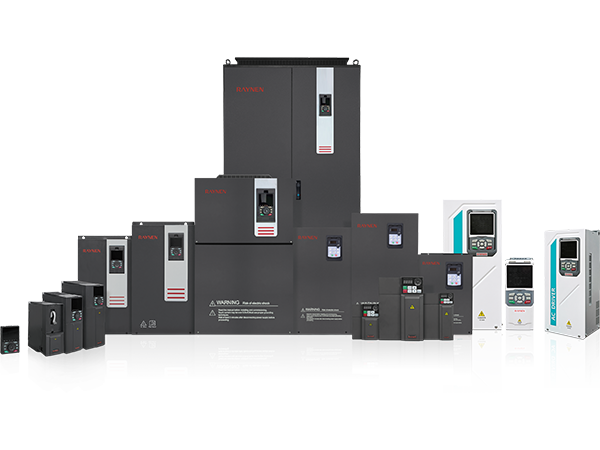
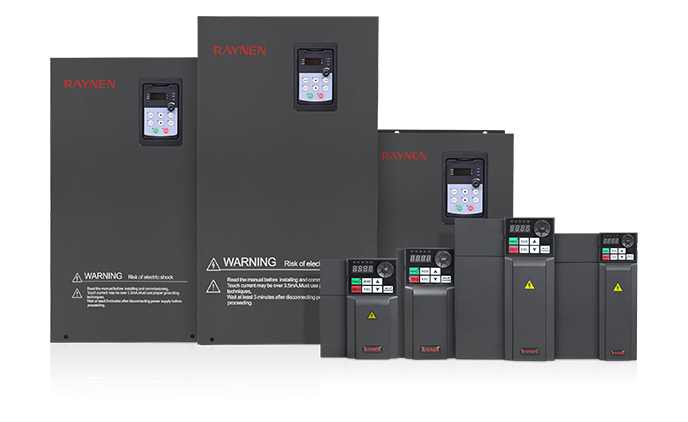
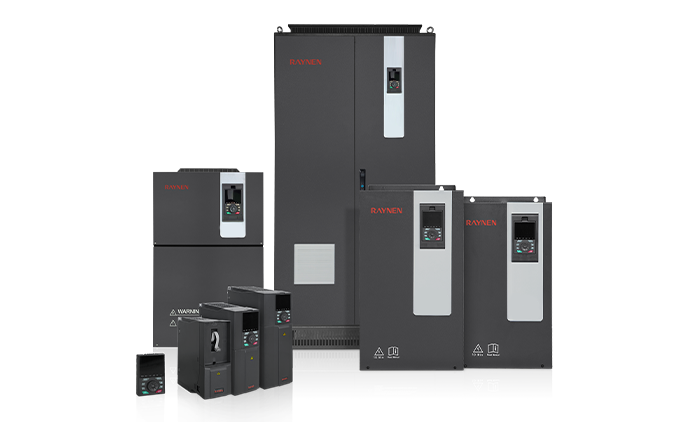
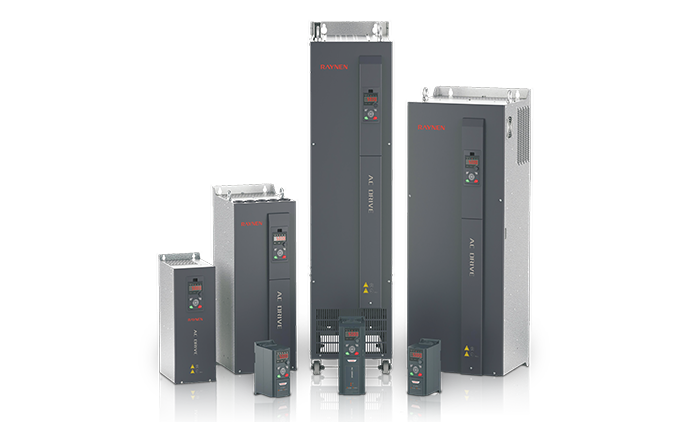
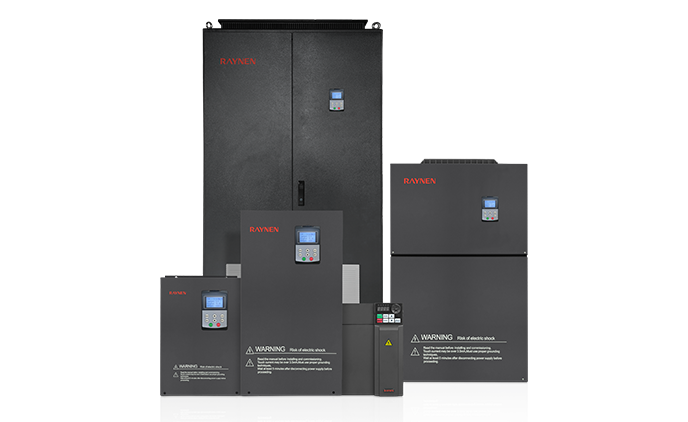
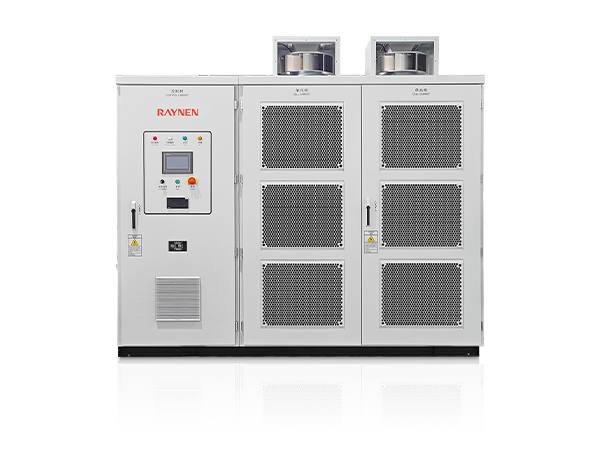
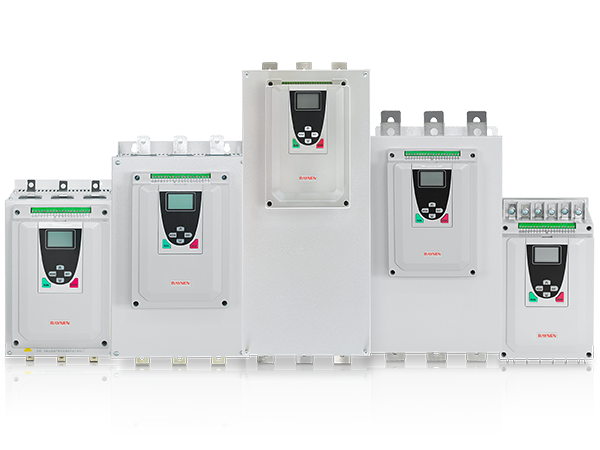
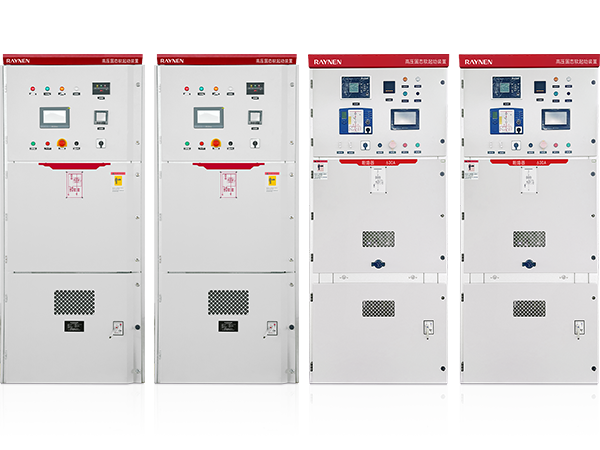







1.Introduction to AC Drives (Variable Frequency Drives) In the realm of modern industrial control an......
READ MOREHuman Machine Interface Explained: What It Is and How to Get It Right
Content
- 1 What a Human Machine Interface Actually Is
- 2 How HMI Systems Work: The Technical Foundation
- 3 Types of HMI Hardware: From Panel HMIs to PC-Based Systems
- 4 HMI vs SCADA: Understanding the Difference
- 5 Key HMI Features and Capabilities Compared
- 6 Common Industrial Applications of HMI Systems
- 7
- 8 HMI Screen Design Best Practices That Actually Improve Operations
- 9 HMI Cybersecurity: An Increasingly Critical Consideration
- 10 What to Consider When Selecting an HMI System
- 11 The Future of Human Machine Interface Technology
What a Human Machine Interface Actually Is
A human machine interface — almost universally abbreviated as HMI — is the point of contact between a human operator and a machine or automated system. At its most basic, an HMI is any device or software that allows a person to monitor, control, and interact with industrial equipment or processes. That definition covers a wide range of physical forms: a touchscreen panel mounted on a factory floor machine, a graphical dashboard on a control room workstation, a web-based interface accessed from a tablet, or even a simple push-button panel with indicator lights. What all of these share is the fundamental purpose of translating complex machine states and process data into a form that a human can read and act on — and translating human commands back into signals that the machine can execute.
In modern industrial automation, the HMI system is one of the most operationally critical components in any facility. Without a well-designed operator interface, even the most sophisticated programmable logic controller (PLC) or distributed control system (DCS) behind it becomes difficult to operate, monitor, and troubleshoot effectively. The HMI is where operators spend their working hours, where alarms are acknowledged, where process parameters are adjusted, and where the health of an entire production line becomes visible at a glance. Getting the HMI right — in terms of hardware selection, software design, and screen layout — directly affects operator efficiency, response times, and ultimately the safety and productivity of the operation.
How HMI Systems Work: The Technical Foundation
Understanding how an industrial HMI system works requires understanding the layers of hardware and software that connect the operator to the physical process. The HMI doesn't control the machine directly — that role belongs to the PLC, DCS, or other control hardware beneath it. Instead, the HMI reads data from the control system, displays it visually to the operator, and passes the operator's inputs back to the control system as commands or parameter changes.
Communication with PLCs and Control Systems
The HMI communicates with the underlying control hardware — typically PLCs or DCS controllers — through industrial communication protocols. Common protocols include Modbus RTU, Modbus TCP/IP, EtherNet/IP, PROFIBUS, PROFINET, DeviceNet, and OPC UA, among others. The HMI software maps specific registers, tags, or data addresses in the PLC to graphical elements on the screen — so when a temperature sensor value changes in the PLC memory, the corresponding gauge or numeric display on the HMI screen updates in real time. When an operator presses a virtual button on the HMI touchscreen, the HMI writes a value to the corresponding PLC register, which the PLC then acts upon according to its control logic.
Tag Databases and Data Mapping
Central to any HMI system is its tag database — a structured list of all the data points (tags) that the HMI reads from and writes to the connected control system. Each tag has a name, a data type, a communication address, engineering units, and scaling parameters. A well-organized tag database is the foundation of a reliable HMI configuration; poorly named, inconsistently structured, or incorrectly addressed tags are one of the most common sources of HMI problems in industrial environments. Modern HMI software packages allow tags to be imported directly from the PLC programming environment, which reduces manual data entry errors and keeps the HMI database synchronized with the control system configuration.
Screen Graphics and Faceplates
The visual side of the HMI consists of graphical screens — called pages, views, or displays depending on the software platform — that represent the process in a way operators can quickly interpret. Process flow diagrams, animated equipment representations (pumps that appear to spin when running, valves that change color when open or closed), trend graphs, alarm lists, and data entry forms are all standard elements of industrial HMI screen design. Faceplates — standardized popup windows that show all relevant data for a single control loop or piece of equipment — allow operators to drill down to detailed information without cluttering the main process overview screens.
Types of HMI Hardware: From Panel HMIs to PC-Based Systems
HMI hardware comes in several distinct form factors, each suited to different application environments and operational requirements. The right choice depends on the complexity of the process being monitored, the environmental conditions of the installation location, and the level of functionality required.
Standalone HMI Panels
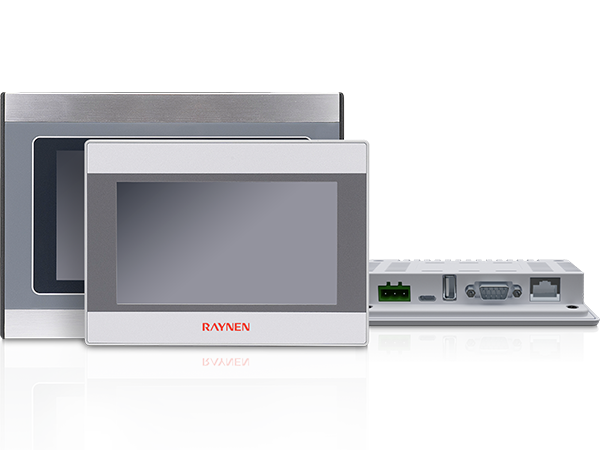
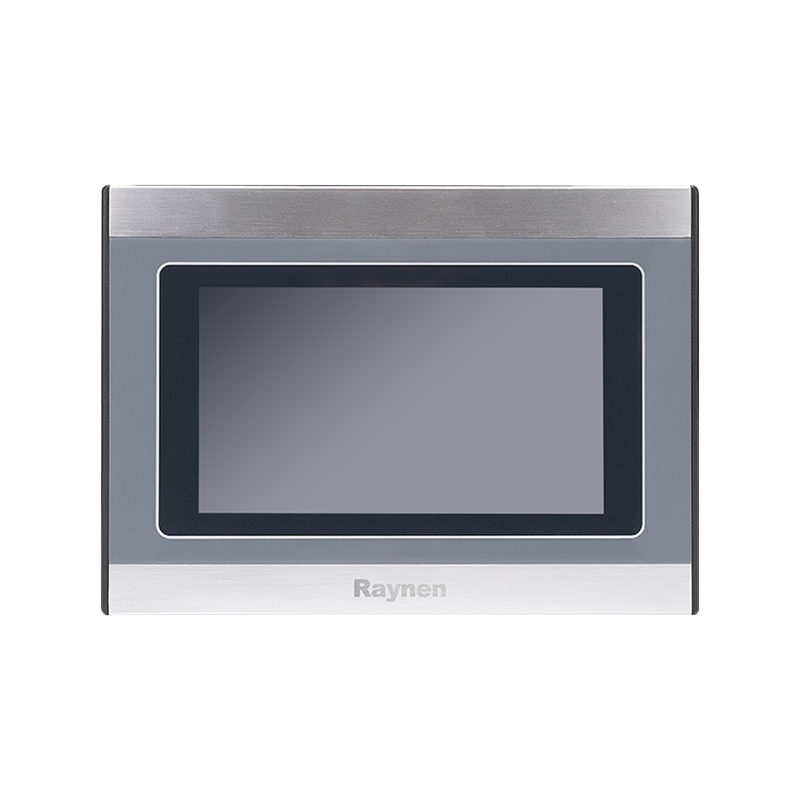
Standalone HMI panels — sometimes called operator panels or operator interface terminals (OITs) — are self-contained units that combine the display, touchscreen or keypad input, processor, and communication hardware in a single ruggedized enclosure designed for direct machine mounting. They come in a wide range of screen sizes, typically from 4 inches up to 21 inches diagonal, and are available in varying IP protection ratings for use in dusty, wet, or chemically aggressive environments. These panels run dedicated HMI firmware rather than a general-purpose operating system, which makes them simpler to configure and more stable in the long term than PC-based solutions. Leading manufacturers in this space include Siemens (SIMATIC HMI), Rockwell Automation (PanelView), Mitsubishi Electric (GOT series), Schneider Electric (Magelis), and Weintek, among many others.
PC-Based HMI Systems
PC-based HMI systems run HMI software on an industrial PC platform — either a standard desktop or rack-mounted PC, a panel PC (a PC built into a touchscreen enclosure), or an industrial thin client. PC-based systems offer significantly greater flexibility and processing power than standalone HMI panels: they can run more complex graphics, handle larger tag counts, integrate with databases and enterprise systems, and run multiple software applications simultaneously. The trade-offs are higher initial cost, more complex IT management (operating system updates, antivirus, cybersecurity), and potentially shorter hardware lifecycles than dedicated HMI panels. PC-based HMI is the preferred approach for large, complex supervisory systems and control room workstations.
Mobile and Web-Based HMI
Increasingly, modern HMI platforms support remote access through web browsers or dedicated mobile apps, allowing operators and engineers to monitor process data and receive alarm notifications on smartphones or tablets from anywhere on the plant network — or increasingly, over secure remote connections from off-site. Web-based HMI reduces the need to be physically present at a panel for routine monitoring tasks and enables faster response to out-of-hours alarms. However, remote access introduces cybersecurity considerations that must be carefully managed, and mobile interfaces are generally better suited to monitoring than to complex control operations that benefit from the precision of a dedicated panel installation.
HMI vs SCADA: Understanding the Difference
The terms HMI and SCADA (Supervisory Control and Data Acquisition) are frequently used together — and sometimes interchangeably — which causes considerable confusion. They are related but distinct concepts, and understanding the difference is important for anyone specifying or working with industrial control systems.
An HMI, in the strictest sense, is the local operator interface for a single machine or process area — it visualizes data and accepts operator input for the equipment it's directly connected to. SCADA is a higher-level system architecture that aggregates data from multiple HMIs, PLCs, remote terminal units (RTUs), and other field devices across an entire facility, plant, or geographically distributed operation, providing centralized supervisory visibility and control. SCADA systems typically include a historian for long-term data logging, advanced alarm management, reporting tools, and integration with plant-wide IT systems.
In practice, most modern SCADA software packages include a full HMI development environment, and the HMI screens that operators use in a SCADA system are built using the same tools and principles as standalone machine HMIs. The distinction is more about scale and architecture than about the operator interface itself. A small manufacturing cell might use only a standalone HMI panel with no SCADA layer above it. A large processing plant will use SCADA software running on PC-based workstations, with dozens of individual machine HMIs feeding data up to the central SCADA system.
Key HMI Features and Capabilities Compared
When evaluating HMI systems — whether hardware panels or software platforms — the following feature areas are the most important to compare for any industrial application:
| Feature Area | Standalone HMI Panel | PC-Based HMI | SCADA Platform |
| Tag Capacity | Hundreds to low thousands | Thousands to tens of thousands | Unlimited (licensed) |
| Data Logging / Historian | Basic / limited | Moderate | Full long-term historian |
| Alarm Management | Basic alarm list | Good | Advanced, EEMUA 191 compliant |
| Remote Access | Limited / via VNC | Good | Full multi-client access |
| Hardware Ruggedness | High (IP65/IP66 rated) | Moderate (industrial PC) | Varies (control room env.) |
| Typical Application | Single machine / cell | Process area / line | Plant-wide / enterprise |
Common Industrial Applications of HMI Systems
HMI technology is deployed across virtually every sector of industrial and infrastructure operation. Understanding the range of applications helps clarify what different HMI configurations need to deliver in practice.
- Manufacturing and assembly lines: HMI panels mounted at individual work cells and machine stations allow operators to monitor production counts, adjust machine parameters, clear faults, and call for maintenance without leaving their station. Line-level overview screens in supervisor areas show the status of the entire production line at once.
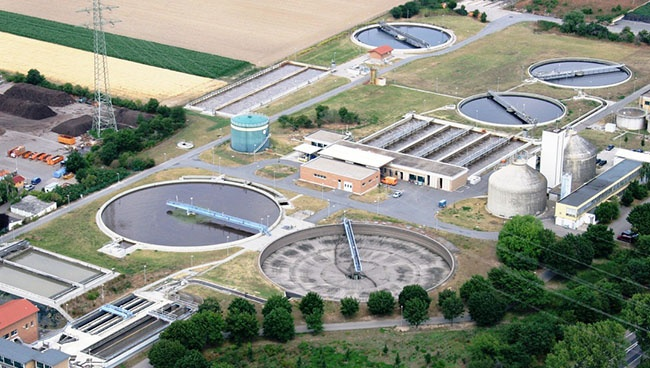
- Water and wastewater treatment: SCADA-based HMI systems are used throughout water utility operations to monitor pump stations, treatment processes, tank levels, flow rates, and water quality parameters across geographically distributed infrastructure from a central control room.
- Oil, gas, and chemical processing: Process plant HMI and SCADA systems monitor and control complex continuous processes involving pressures, temperatures, flow rates, and chemical compositions that must remain within tight operating limits for safety and product quality. Alarm management is especially critical in these applications.
- Food and beverage production: HMI systems in food processing must support operator interactions with filling lines, pasteurizers, CIP (clean-in-place) systems, and packaging equipment, often with audit trail and batch record requirements driven by food safety regulations.
- Building automation and HVAC: Building management systems (BMS) use HMI-style operator interfaces to display the status of HVAC systems, lighting, access control, and energy management across commercial and industrial buildings, typically accessed through PC workstations or web browsers.
- Energy and power generation: Power plants, substations, and renewable energy installations use HMI and SCADA systems to monitor generation output, grid connectivity, equipment health, and protection system status — often with very high reliability and response time requirements.
HMI Screen Design Best Practices That Actually Improve Operations
The quality of an HMI's screen design has a direct impact on how effectively operators can monitor and respond to the process. Poor HMI design — cluttered screens, inconsistent color use, excessive animation, and hard-to-read alarm lists — is a well-documented contributing factor in industrial incidents and operator errors. Good HMI design is not about making screens look impressive; it's about making the right information available quickly, clearly, and without ambiguity.
The High-Performance HMI Methodology
The high-performance HMI (HPHMI) methodology, developed and popularized by ASM Consortium and industry practitioners like Bill Holliday and Ian Nimmo, provides a structured approach to industrial HMI design that prioritizes situational awareness and fast anomaly detection over visual complexity. Its core principles include using a muted, neutral color palette for normal operating states (gray backgrounds, gray process elements), reserving bright colors — especially red and yellow — exclusively for abnormal conditions and alarms, minimizing the use of fills and gradients that make it hard to judge analog values quickly, and organizing screens around process flow rather than equipment geography. When operators see bright colors on a high-performance HMI screen, they know immediately that something requires attention — which is impossible when the screen is already full of colorful animations and graphic elements in normal operation.
Well-designed HMI systems organize their screens into a clear hierarchy. Level 1 is the plant or area overview — a single screen showing the status of the entire process at a high level, designed to be legible at a glance from several feet away. Level 2 screens show individual process units or sections in more detail. Level 3 screens show detailed equipment faceplates, control loops, and specific instrument readings. Level 4 covers maintenance and diagnostic screens. Navigation between levels should be fast and logical, with consistent placement of navigation controls so operators can move quickly to the screen they need without hunting. Poorly organized navigation that requires multiple screen transitions to get to commonly needed information is a significant productivity and safety concern in time-critical situations.
Alarm Management Design
Alarm flooding — where operators are overwhelmed by hundreds of simultaneous alarm activations, often triggered by a single root cause event — is one of the most serious HMI-related safety issues in industrial operations. The EEMUA 191 guideline for alarm systems and the ISA-18.2 standard both provide detailed guidance on alarm rationalization, prioritization, and management. Key design principles include limiting the number of alarms to those that genuinely require operator action, assigning clear priority levels (high, medium, low) with defined response times, suppressing alarms that are predictable consequences of known process states, and ensuring that the alarm list presentation makes the most critical, actionable alarms immediately visible rather than buried in a scrolling list of low-priority notifications.
HMI Cybersecurity: An Increasingly Critical Consideration
As HMI systems have moved from isolated proprietary networks to Ethernet-connected platforms integrated with plant IT systems and, in some cases, connected to the internet for remote access, cybersecurity has become a genuinely critical concern. Industrial HMI systems and SCADA networks are known targets for cyberattacks, including ransomware, and several high-profile incidents in water treatment, energy, and manufacturing facilities have demonstrated the real-world consequences of inadequate industrial cybersecurity.
Basic cybersecurity measures for HMI systems include network segmentation between the HMI/SCADA network and the corporate IT network (typically implemented using a demilitarized zone or DMZ architecture), strong authentication for HMI access including role-based user permissions, regular patching of HMI software and operating systems, disabling unused communication ports and services, removing default credentials, and controlling removable media access to prevent malware introduction via USB drives. The IEC 62443 series of standards provides the most comprehensive framework for industrial cybersecurity, including specific guidance for HMI and SCADA system security.
What to Consider When Selecting an HMI System
Choosing the right HMI hardware and software for a new or retrofit application involves balancing technical requirements, environmental constraints, vendor support, and long-term lifecycle considerations. The following factors deserve careful evaluation before committing to a specific platform.
- PLC and control system compatibility: The HMI must support native communication drivers for your existing or planned PLC platform. While OPC UA provides a universal integration path between most modern systems, native drivers generally offer better performance, easier configuration, and tighter integration. Confirm that the HMI vendor's driver for your PLC brand is actively maintained and supports the firmware version you're using.
- Environmental ratings: Machine-mounted HMI panels need to be rated for the environmental conditions of their installation location. IP65 or IP66 ratings provide protection against water jets and dust ingress, which is typically required in food processing, outdoor, and washdown environments. Temperature range ratings matter in applications with extreme ambient conditions — both hot and cold.
- Screen size and resolution: Match the screen size to the amount of information that needs to be displayed and the viewing distance of the operator. A 7-inch panel is sufficient for a single-machine interface with a handful of parameters; a complex process overview requires at minimum a 15-inch display, and control room SCADA workstations typically use 24-inch or larger monitors. High-resolution widescreen displays allow more information per screen without compromising readability.
- Software development environment: Evaluate the HMI development software for ease of use, available graphics libraries, scripting or programming capabilities, simulation tools for testing without live hardware, and the quality of documentation and technical support. HMI configuration is ongoing — operators need added screens, parameters change, and new equipment gets added — so the development environment needs to be accessible to the maintenance team, not just specialized integrators.
- Hardware lifecycle and spare availability: Industrial HMI panels need to be supported and spare parts available for 10–15 years at minimum. Check the vendor's published product lifecycle commitments and the availability of replacement units for the specific model you're considering before purchase. Selecting a platform from a vendor who discontinues products frequently creates painful and expensive migration projects years down the line.
- Scalability: Consider whether the HMI platform you choose today can grow with your facility. A system that meets current needs but hits tag count or screen limits within two years creates unnecessary upgrade costs. Choosing a platform with a clear upgrade path — from standalone panel to PC-based to SCADA — within the same vendor ecosystem reduces migration effort as requirements grow.
The Future of Human Machine Interface Technology
HMI technology is evolving rapidly, driven by advances in connectivity, computing power, and interface design. Several trends are actively reshaping what industrial operator interfaces look and work like, and understanding them helps organizations make forward-looking technology decisions rather than investing in platforms that will be outdated within a few years.
Cloud-connected HMI and SCADA platforms are enabling centralized data storage, remote monitoring, and analytics at a scale that was impractical with traditional on-premise architectures. Industrial IoT (IIoT) integration allows HMI systems to aggregate data not just from PLCs but from smart sensors, edge devices, and condition monitoring systems, giving operators a richer picture of equipment health and process performance. Augmented reality (AR) interfaces — where operators view HMI data overlaid on real equipment through smart glasses or tablet cameras — are beginning to appear in maintenance and inspection workflows, reducing the need to carry paper procedures or look away from the equipment to check readings. Artificial intelligence and machine learning are being integrated into SCADA and HMI platforms to provide predictive alarm management, anomaly detection, and operational optimization recommendations that support operators rather than simply reporting raw data.
Through all of these changes, the core function of the human machine interface remains the same: to make the invisible visible, to translate machine complexity into human understanding, and to give operators the information and control they need to keep processes running safely and efficiently. The technology continues to evolve, but the design principles that make an HMI genuinely useful — clarity, speed, consistency, and a focus on what the operator actually needs — remain as relevant as ever.
Previous Post
Industrial Servo Motor Explained: Types, Selection, and How to Get the Most Out of Them
Next Post
Medium-Voltage Soft Starter Explained: How It Works, Where It's Used, and How to Choose One

Copyright 2024 Fujian Raynen Technology Co.,Ltd. All Rights Reserved.
Privacy Policy  Motor Control Manufacturers