English
 Español
 عربى
عربى
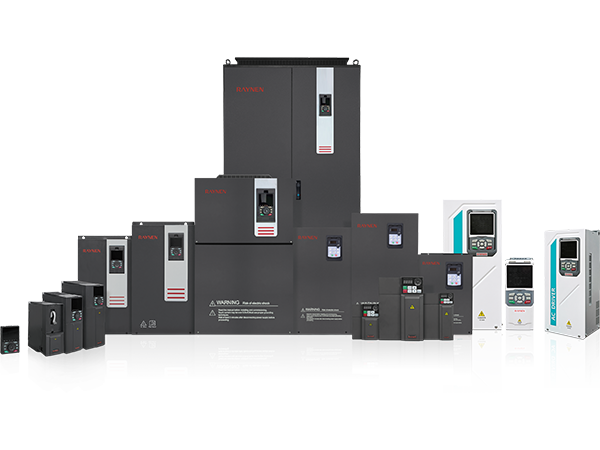
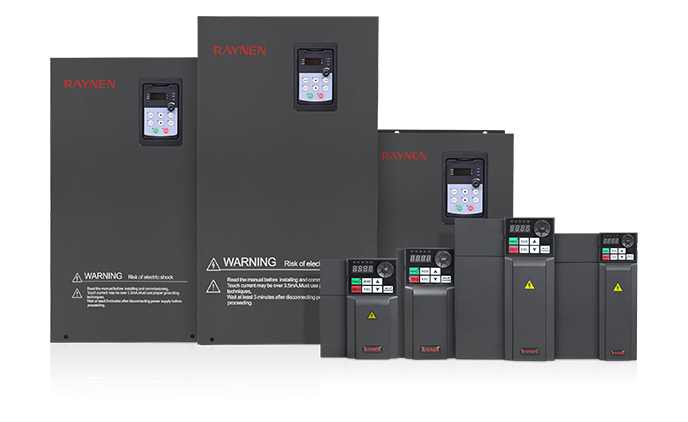
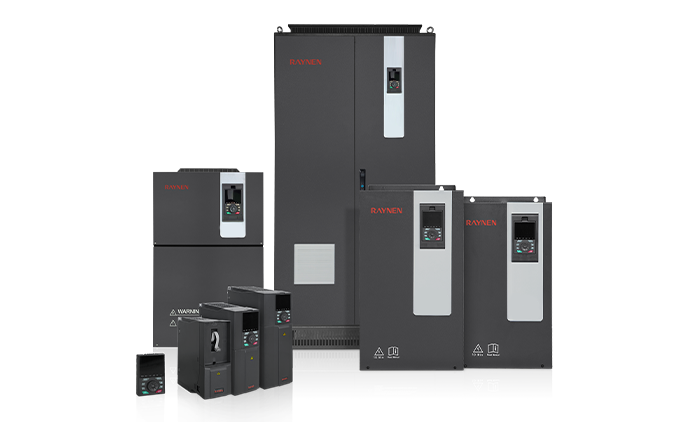
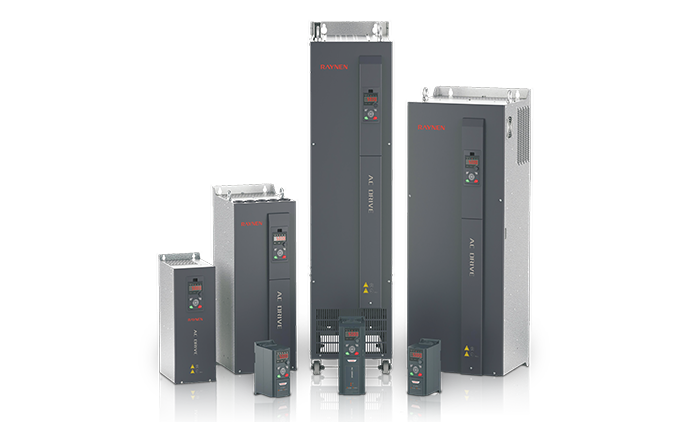







1.Introduction to AC Drives (Variable Frequency Drives) In the realm of modern industrial control an......
READ MOREHome / News / Industry News / Programmable Logic Controller Explained: How PLCs Work and How to Choose
Programmable Logic Controller Explained: How PLCs Work and How to Choose
Walk onto almost any production floor and you will find one device making hundreds of small decisions every second, usually without anyone looking at it. The programmable logic controller, or PLC, reads what the machine is doing, decides what should happen next, and tells the drives, valves and contactors to act. It is unglamorous work, and it is the reason the line keeps running through the night shift.
We have been building industrial automation products since 2007, and we have sat through a lot of selection meetings about this exact topic. This guide is written from that practical side: what a PLC really does, how it fits with everything else in the cabinet, and what is worth checking before you sign off on a bill of materials.
Content
- 1 What a Programmable Logic Controller Actually Does
- 2 Inside the Scan Cycle: Why Timing Matters
- 3 The Main Components of a System
- 4 Types of Controllers and How to Match One to Your Machine
- 5 Where the Controller Sits in Your Automation Architecture
- 6 A Practical Selection Checklist
- 7 Where PLCs Earn Their Keep
- 8 Commissioning and Long-Term Care
- 9 Final Thoughts
What a Programmable Logic Controller Actually Does
A PLC is an industrial computer built for one job: executing a control program reliably, in real time, in an environment with heat, vibration and electrical noise. It has no spinning fan to clog with dust, it survives voltage dips that would shut down a desktop machine, and it boots straight into run mode with no login screen in the way.
Three ideas separate it from general-purpose computing:
- Deterministic behaviour. The program repeats on a fixed cycle, so the same inputs produce the same outputs at the same moment, every time. That predictability is what makes it safe to interlock a press or a conveyor.
- Hardened input and output. Twenty-four volt digital inputs, relay and transistor outputs, analogue channels, temperature sensors and pulse inputs are all handled at the terminals, with isolation designed for real cabinets rather than clean labs.
- Built for maintenance. Modules unplug and swap, programs are versioned, and diagnostic messages are written for the electrician standing in front of the panel at two in the morning.
Most PLCs originally replaced walls of relay logic. A panel full of timers and auxiliary relays could take weeks to wire and days to fault-find; the same sequence in software can be simulated on a desk, changed with a download, and archived alongside the drawings.
Inside the Scan Cycle: Why Timing Matters
Everything a PLC does happens inside a repeating loop. Understanding the loop explains most of the strange behaviour people blame on the controller.
- Read the inputs. The controller copies the state of every input channel into memory, so the program sees a consistent snapshot rather than a moving target.
- Execute the program. Logic, timers, counters, maths and communication handling run from top to bottom, using the snapshot taken a moment ago.
- Update the outputs. The results are written out to the terminals in one go, so outputs change together rather than flickering one at a time.
- Housekeeping. Diagnostics, communication with the HMI and memory checks happen before the loop starts again.
Most machine-level applications finish a scan in a few milliseconds, which is comfortably fast enough for conveyors, pumps, mixers and packaging lines. When a task genuinely needs a faster response than the scan can deliver, the usual answer is an interrupt input or a dedicated motion controller, not a bigger CPU.
The Main Components of a System
Most people first meet a PLC as a single box on a DIN rail, but conceptually it is a small rack of cooperating parts. The table below is the mental model worth carrying into a specification meeting.
| Component | What it does | What to check when selecting |
|---|---|---|
| CPU module | Runs the control program and manages memory and communication | Program memory, instruction speed, number of tasks |
| Power supply | Converts incoming AC or DC to the internal logic voltage | Input range, isolation, hold-up on dips |
| I/O modules | Connect sensors, switches, contactors and drives to the controller | Channel count, signal type, isolation, spare capacity |
| Backplane or bus | Carries data and power between modules | Slot count, expansion distance, bus speed |
| Communication ports | Link the PLC to HMIs, drives and higher-level systems | Ethernet, serial, fieldbus support, protocol licensing |
| Engineering software | Where the program is written, tested and documented | Language standards, simulation, licence cost, long-term support |
Types of Controllers and How to Match One to Your Machine
Suppliers slice the market in different ways, but for selection purposes three form factors cover most needs.
Compact controllers
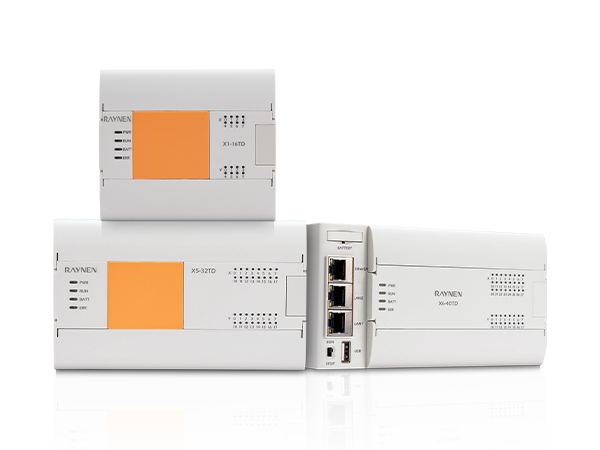
Everything lives in one housing: CPU, power supply and a fixed block of I/O, often with a couple of expansion modules for growth. They are the natural choice for standalone machines, small pump stations and retrofits where panel space is tight and the I/O count is stable.
Modular controllers
Rack-based systems let you choose the CPU, power supply and I/O separately, then add racks or remote drops as the machine grows. Choose this route when channel counts are high, when analogue and speciality modules matter, or when you expect the specification to change between the first unit and the fiftieth.
Edge-capable and IoT-ready controllers
Increasingly a controller is expected to publish data upward as well as control downward. Built-in Ethernet, MQTT or OPC UA support lets a machine report production counts and energy use without bolting on a separate gateway. The line between PLC, gateway and edge device is blurring, and that is mostly good news for anyone who wants visibility without a second panel.
Our own range spans these form factors, from compact units for single-machine control upward. If you are still at the comparing stage, the EC1000 series is a sensible starting point for small and mid-sized machines.
 EC1000 Series PLC for Small and Mid-Sized Machine ControlA starting point for small and mid-sized machine control, with technical details still to be updated on the product page.View Product →
Where the Controller Sits in Your Automation Architecture
A PLC rarely works alone. In a typical cabinet it is the coordinator: it commands variable frequency drives to hold a pressure setpoint, releases a soft starter for a large motor, sends position targets to servo drives, and exchanges status and alarms with a human-machine interface. Get that division of labour right and commissioning is calm. Get it wrong and every fault looks like a controller fault.
- Drives and soft starters own the motor-side work, including ramps, current limits and energy optimisation.
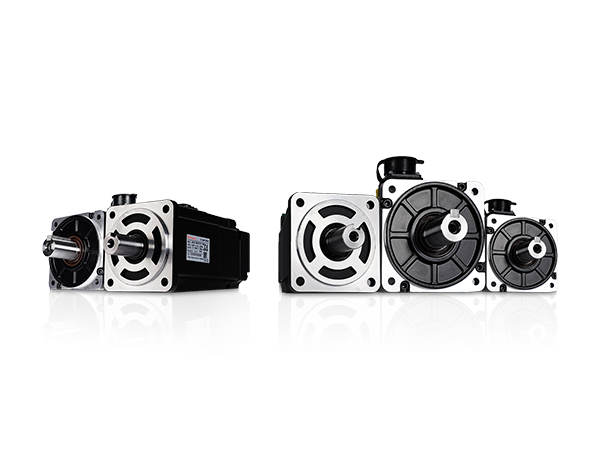
- Servo systems own positioning and torque, with the controller issuing targets rather than generating pulses by hand.
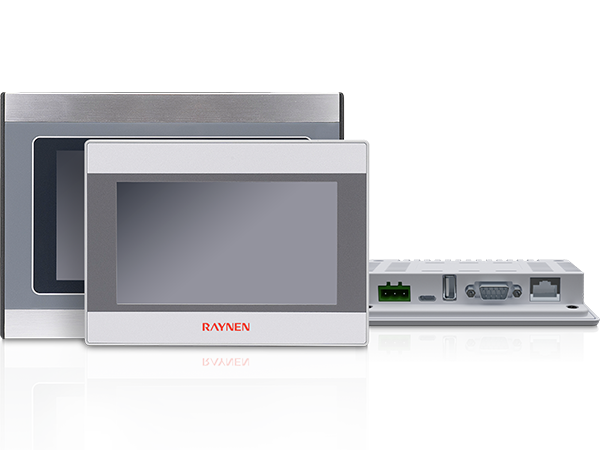
- HMIs own operator visibility: recipes, trends, alarm text that reads like a sentence rather than a code.
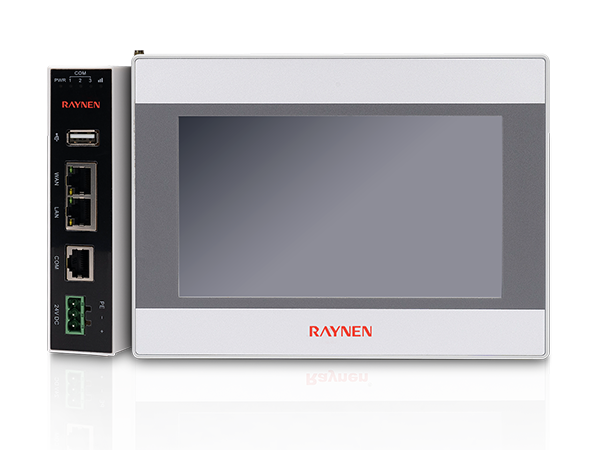
- Gateways and IoT modules own the data leaving the machine, which keeps the control program focused on control.
One practical benefit of sourcing several of these layers from the same supplier is that protocol questions, spare parts and firmware compatibility all land in the same conversation. When a machine needs coordinated control across drives, HMIs and remote I/O, a modular platform gives you the slot count and communication options to keep the cabinet tidy.
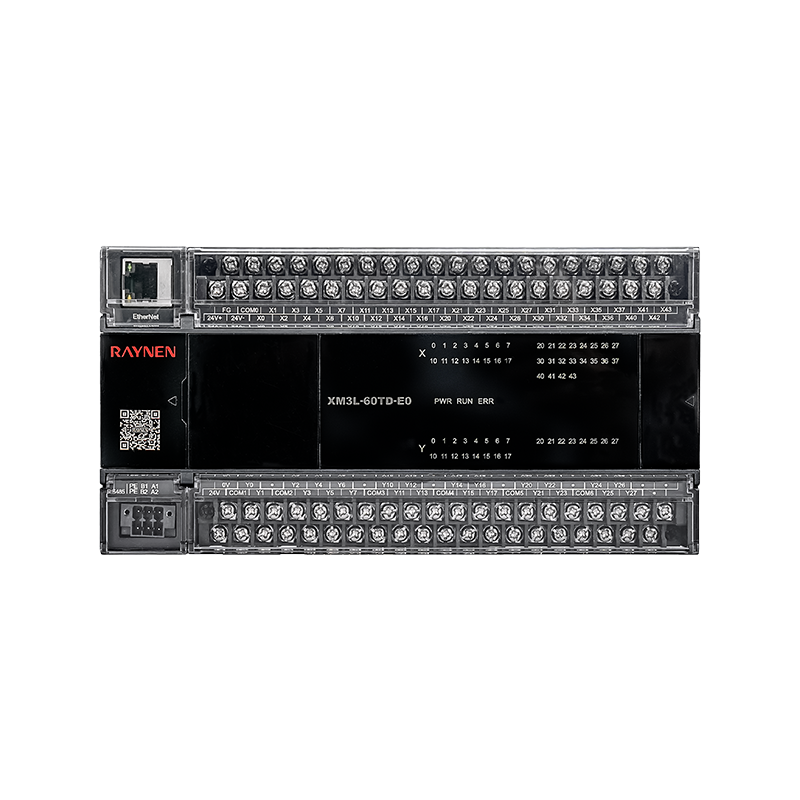 XM Series PLC and Expansion ModulesA category overview of XM Series PLC units and I/O or analog expansion modules, useful when matching a machine’s I/O list before selecting model numbers.View Product →
A Practical Selection Checklist
When a customer sends us an I/O list, we walk through roughly the same seven questions every time. They are worth answering before anyone talks about model numbers.
- Count the I/O honestly, then add twenty percent. Spare capacity costs far less than a second rack six months later.
- List every signal type. Digital in and out, analogue voltage or current, RTD and thermocouple, high-speed counters and pulses all have different module requirements.
- Measure the response you actually need. A five millisecond scan is fine for a pump; it is not fine for a flying shear.
- Map the communications. Which devices must talk, over which protocol, at what update rate, and who owns the network configuration.
- Check the environment. Ambient temperature, panel cooling, vibration, washdown, and the electrical noise coming from nearby drives.
- Think about the software lifecycle. Who will maintain the program in five years, and will the engineering tool still be supported?
- Confirm documentation and spares. Wiring diagrams, manuals with version numbers, and a realistic spare-parts list.
If it helps, send us the list and we will tell you honestly which form factor fits. The X series is one option in our controller range, and if a different shape of controller suits your machine better, we would rather say so early than have you find out during commissioning.
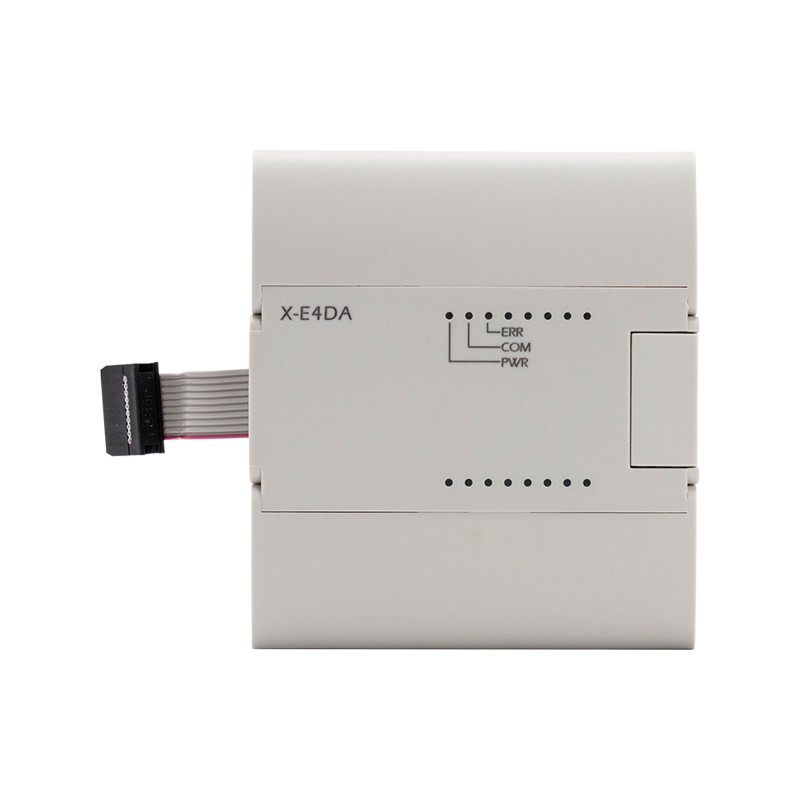 X Series PLC Family and Expansion ModulesA family overview covering relay, bus, motion-control, enhanced, standard and economic PLC options, plus expansion modules for matching control needs to a machine.View Product →
Where PLCs Earn Their Keep
The applications are rarely glamorous. Machine tools, fans and pumps, chemical mixing, lifting equipment, municipal water and heat networks, rubber and plastics, and steel lines all depend on a controller holding a sequence together. Across those industries the control problem usually falls into one of three kinds: sequence control for start-up, shutdown and interlocks; regulatory control for pressure, flow, level and temperature loops; and motion coordination where several axes must stay in step.
Our industry solution library walks through drive-level examples in each of those areas, including applications where the controller and the drive have to share a setpoint cleanly. Reading a solution close to your own process is usually faster than reading a datasheet.
Commissioning and Long-Term Care
The first week of a machine's life decides how the next ten years will go. A few habits make that week easier:
- Back up the program and the parameter set before you change anything, and label the backup with a date.
- Label every terminal and cable to match the drawing, not to match memory.
- Record firmware and software versions in the panel documentation, alongside the drive parameters.
- Keep one spare module of each critical type on the shelf, and note the date it was purchased.
- Keep the manuals where the maintenance team can find them, in the version that matches the hardware.
Documentation matters more than most project plans admit. Every controller we ship has a matching user manual, with version numbers in the filename, so a technician can confirm they are reading the right document for the hardware in front of them.
Final Thoughts
A programmable logic controller is not the most visible part of an automation project, and that is the point. Chosen well, it disappears into the background: the machine starts in the right order, the drives follow their setpoints, the operator sees a clear alarm when something drifts, and nobody thinks about the controller again until it is time to expand.
Chosen badly, it becomes the thing everyone blames. So take the time to count I/O properly, match the form factor to the machine, and pick a partner who will still answer the phone when the third shift calls. If you would like to talk through an application, our team is always happy to look at a drawing and a list of signals.
Previous Post
No previous article
Next Post
Medium-Voltage Soft Starter Guide: Selection, Protection, and Motor Control

Copyright 2024 Fujian Raynen Technology Co.,Ltd. All Rights Reserved.
Privacy Policy  Motor Control Manufacturers